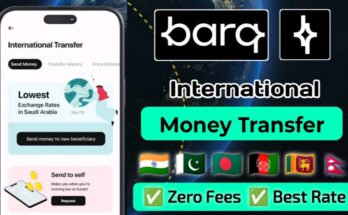
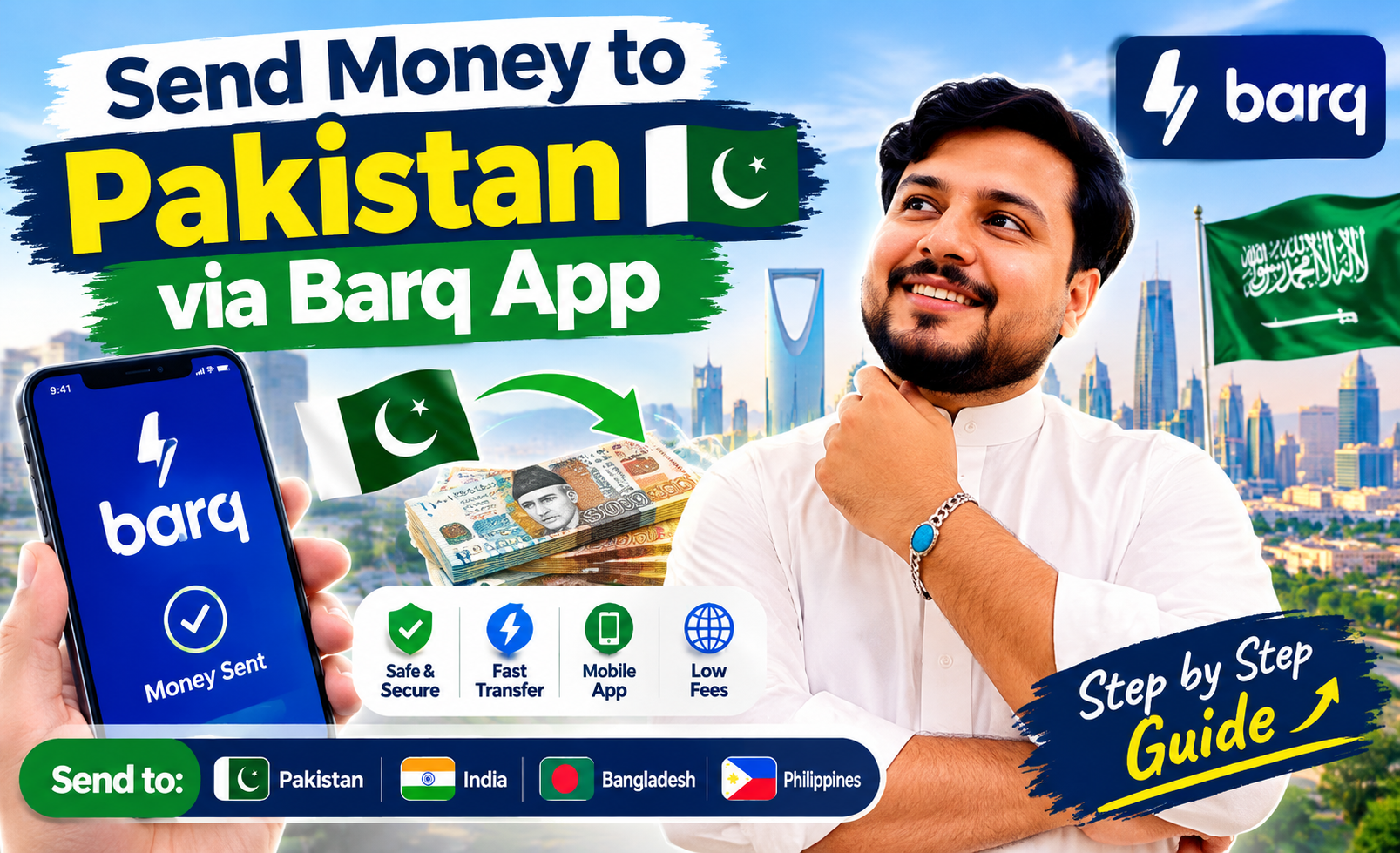
Learning how to Send Money to Pakistan via Barq App KSA provides expatriates in Saudi Arabia with a reliable, fast, and fully licensed remittance solution. Operating under the direct supervision of the Saudi Central Bank (SAMA), the Barq digital wallet enables Pakistani workers to transfer money directly to bank accounts, IBANs, and mobile wallets like JazzCash and Easypaisa with competitive exchange rates and low transfer fees.
Requirements Before Sending Money to Pakistan Using Barq
Before initiating your first international remittance from Saudi Arabia to Pakistan, ensure you have the following prerequisites ready:
- An active, fully verified Barq App account linked with your Iqama and Absher profile.
- The recipient’s full legal name exactly as printed on their Computerized National Identity Card (CNIC).
- A valid 24-digit Pakistani IBAN number for bank deposits OR an active mobile number for digital wallets (JazzCash, Easypaisa, Nayapay).
- A active Saudi phone number capable of receiving SMS verification codes (OTP) or confirmation phone calls.
Step 1: How to Add a Pakistani Beneficiary in Barq App
Adding a new beneficiary accurately is the most crucial step when setting up your international transfer:
- Open the Barq App on your smartphone and log in using your secure passcode or biometric authentication.
- Tap on the Remittance or International Transfer icon on the home dashboard.
- Select Add New Beneficiary and choose Pakistan from the country list.
- Select the payout option: Bank Account Deposit or Mobile Wallet / Cash Pickup.
- Enter the receiver’s full legal name as per CNIC, their contact number, and select their bank name from the dropdown menu.
- Input the 24-character Pakistani IBAN starting with PK (e.g., PK36HABB0000000000000000).
- Review the beneficiary summary carefully to avoid spelling errors and tap Save Beneficiary.
Step 2: How to Verify and Activate the Beneficiary
To comply with SAMA security standards and prevent unauthorized transfers, Barq requires identity verification before unlocking a new beneficiary:
- Once you tap save, Barq will send a 4-digit One-Time Password (OTP) via SMS to your registered Saudi mobile number.
- In some cases, the system initiates an automated security phone call from Barq customer support. Answer the call and press the requested key (e.g., press ‘1’) on your dialpad to approve the new beneficiary.
- Once verified, the beneficiary status will change from Pending Verification to Active inside your app.
Step 3: How to Send Money to Pakistan (Bank Account or JazzCash/Easypaisa)
Once your Pakistani beneficiary is active, sending funds takes less than two minutes:
- Go to International Transfers and select your active Pakistani beneficiary from the saved list.
- Enter the amount in Saudi Riyals (SAR) you wish to transfer. The app will automatically calculate the exact amount in Pakistani Rupees (PKR) based on the live exchange rate.
- Review the processing fee and 15% VAT details displayed on the confirmation screen.
- Select Family Support or Savings as the official purpose of transfer.
- Tap Confirm & Pay, then enter your Barq 4-digit security PIN or scan your fingerprint to authorize the payment.
- Save or download the digital receipt containing the transaction reference number for your records.
Transfer Processing Times and Safety Tips
When executing transfers under Send Money to Pakistan via Barq App KSA procedures, keep these operational guidelines in mind:
- Instant Wallet Transfers: Remittances sent to JazzCash, Easypaisa, or Raast-linked IBANs usually credit within minutes.
- Commercial Bank Processing: Direct bank deposits are processed promptly, though transfers sent during Pakistani bank holidays or weekends may take up to 24 business hours to reflect.
- Double Check IBAN Details: Entering an incorrect IBAN delays payment clearance or results in auto-rejection back to your Saudi wallet balance.
For daily currency conversion rates, digital wallet reviews, and expat banking guides in KSA, visit RiyalGhar before authorizing your next money transfer.
Frequently Asked Questions (FAQs)
Can I send money directly to JazzCash or Easypaisa using Barq?
Yes, Barq supports direct transfers to mobile wallet accounts in Pakistan by entering the receiver’s mobile number and wallet provider details during beneficiary registration.
How long does beneficiary activation call take?
The automated confirmation call or SMS OTP usually arrives within 30 seconds to 2 minutes after adding a new beneficiary details.
What should I do if my transfer status shows pending?
If a transaction stays in pending status beyond standard clearing hours, check that your Iqama is valid and contact Barq in-app support chat with your transaction reference ID.