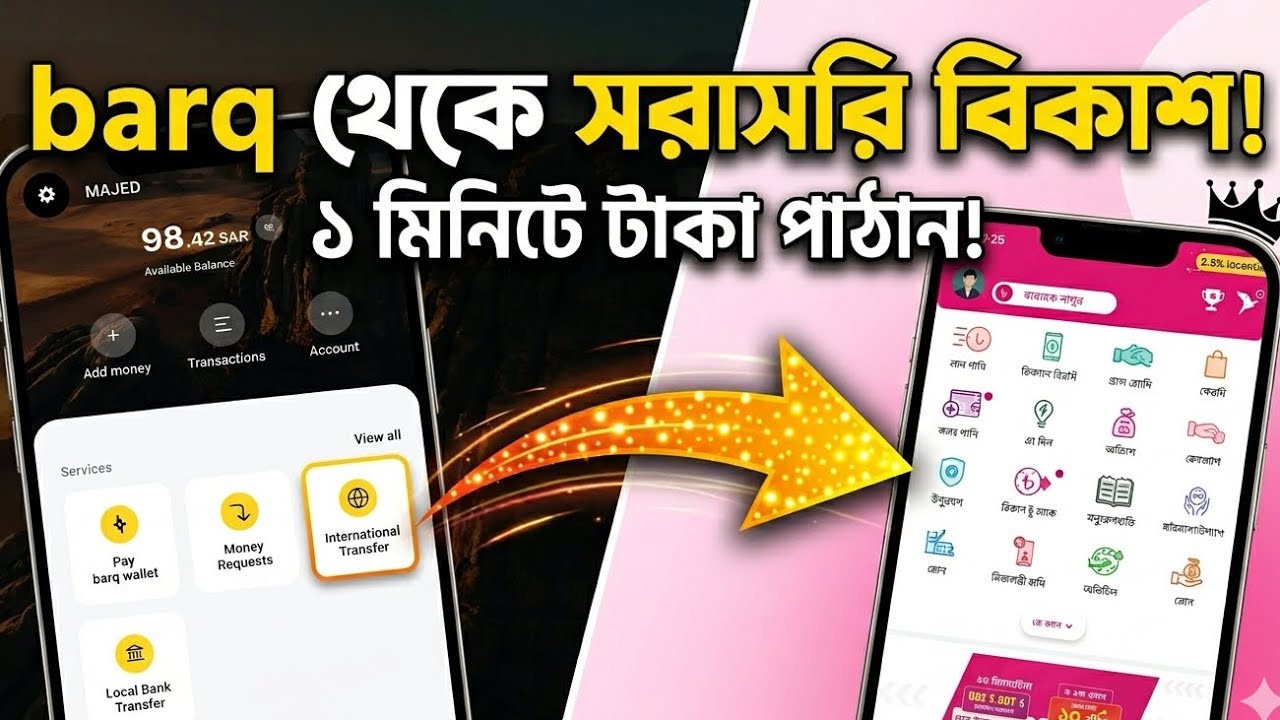
Learning how to Send Money to Bangladesh via Barq App KSA gives Bangladeshi expatriates living in Saudi Arabia a fast, secure, and SAMA-regulated solution for cross-border remittances. Operating under the official authority of the Saudi Central Bank (SAMA), Barq provides competitive foreign exchange rates for the Bangladeshi Taka (BDT) and enables instant transfers directly to commercial bank accounts and popular digital wallets like bKash.
Requirements Before Sending Money to Bangladesh Using Barq
To ensure your international money transfer from Saudi Arabia to Bangladesh proceeds smoothly without clearance holds, prepare the following information before opening the app:
- An active and verified Barq App account registered with your Iqama and Absher credentials.
- The recipient’s full legal name exactly as shown on their official Bangladeshi National ID (NID) or bank passbook.
- The complete 9-digit Bank Routing Number for direct bank deposits OR an active mobile number registered with a mobile financial wallet (such as bKash).
- The recipient’s specific bank account number and branch name.
- An active Saudi mobile line to receive One-Time Password (OTP) verification messages and automated confirmation phone calls.
Step 1: How to Add a Bangladeshi Beneficiary in Barq App
Accurately registering your beneficiary details inside the Barq application ensures that your remittance reaches the correct destination account without manual delay:
- Open the Barq App on your smartphone and enter your secure passcode or biometric login.
- From the home dashboard, tap on Remittance or International Transfer.
- Select Add New Beneficiary and choose Bangladesh from the list of destination countries.
- Select your payout delivery method: Bank Account Deposit or Mobile Wallet (e.g., bKash) / Cash Pickup.
- Input the receiver’s full legal name, relationship type, and contact telephone number.
- Select the target bank name (such as Islami Bank Bangladesh, Dutch-Bangla Bank, or BRAC Bank) or mobile wallet provider from the menu.
- Enter the receiver’s bank account number along with the exact 9-digit Routing Number for their local bank branch.
- Review the entered information carefully and tap Save Beneficiary.
Step 2: How to Verify and Activate the Bangladeshi Beneficiary
In accordance with Saudi Central Bank (SAMA) financial safety regulations, every newly created international beneficiary must undergo identity authorization before unlocking money transfer options:
- After saving the beneficiary profile, Barq sends a 4-digit One-Time Password (OTP) via SMS to your registered Saudi mobile line. Enter the OTP code into the prompt.
- If secondary voice verification is triggered, you will receive an automated phone call from Barq customer care. Answer the incoming call and press the requested numeric key on your keypad to approve the contact.
- Once verified, the beneficiary status will update to Active inside your saved lists.
Step 3: How to Execute Money Transfer to Bangladesh
Sending funds directly to Bangladesh takes only a few quick steps once your beneficiary is successfully activated:
- Navigate to International Transfers and select your active Bangladeshi beneficiary from the saved contacts.
- Enter the transfer amount in Saudi Riyals (SAR). The app will automatically convert and display the exact payout value in Bangladeshi Taka (BDT) using the live exchange rate.
- Review the processing fees and applicable 15% VAT breakdown displayed on the summary screen.
- Select Family Maintenance / Family Support as the official purpose of transaction.
- Tap Confirm & Pay, then enter your 4-digit Barq security PIN or scan your fingerprint to authorize the transfer.
- Save or download the digital receipt containing your unique transaction reference number for tracking purposes.
Best Practices for Fast & Safe Remittance Clearance
To avoid unexpected holds or auto-rejections when executing Send Money to Bangladesh via Barq App KSA transactions, adhere to these simple guidelines:
- Verify 9-Digit Routing Number: The routing number identifies the recipient’s specific bank branch in Bangladesh. Entering an incorrect routing number can result in processing delays or fund rejection.
- bKash Account Status: If transferring to a bKash mobile wallet, ensure the recipient’s account is fully registered and active to receive incoming foreign remittances.
- Check Banking Operating Hours: Direct bank transfers sent during Bangladeshi national holidays or weekend days process on the next official banking business day.
For live daily currency rates, digital wallet reviews, and expat banking guides in Saudi Arabia, visit RiyalGhar before executing your next money transfer.
Frequently Asked Questions (FAQs)
Can I send money directly to a bKash account using Barq?
Yes, Barq supports direct international transfers to bKash wallets by selecting the mobile wallet delivery option and entering the recipient’s active mobile number.
Where can I find the bank routing number for a Bangladeshi bank?
The 9-digit routing number is printed on the recipient’s checkbook leaves, account passbook, or can be verified on the official website of the recipient bank in Bangladesh.
How long does it take for money to credit in Bangladesh via Barq?
Digital wallet transfers (like bKash) and direct bank deposits using instant clearing networks credit within a few minutes to 24 business hours.