
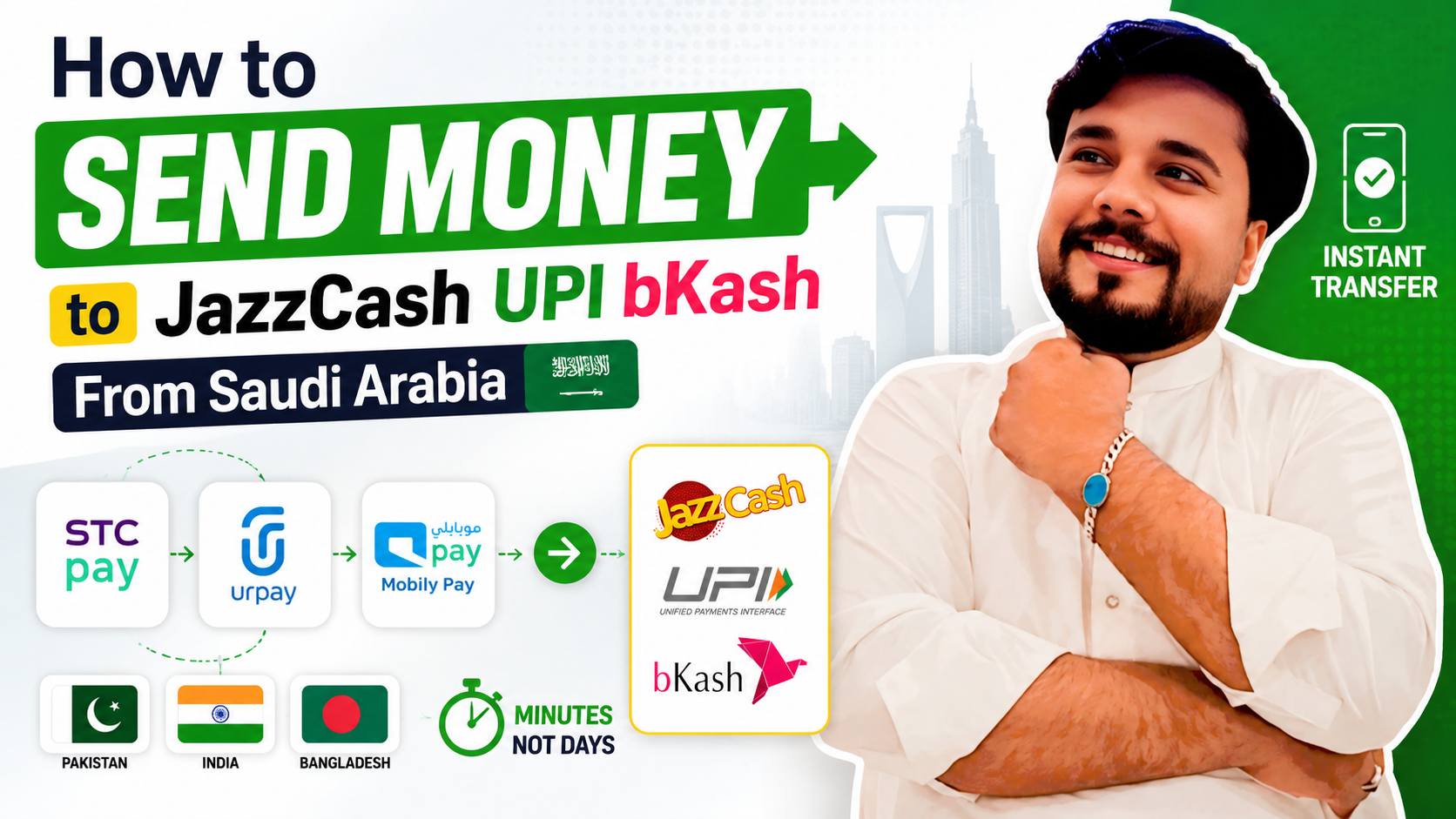
Learning how to Send Money to JazzCash UPI bKash directly from Saudi Arabia has simplified international remittances for millions of foreign workers. Rather than waiting for traditional clearing cycles at local bank branches, expatriates sending funds home to Pakistan, India, or Bangladesh can credit instant digital wallets within minutes. Using Saudi payment apps like STC Pay, Urpay, and Mobily Pay, instant cross-border mobile wallet funding is now fast, secure, and highly cost-effective.
Why Send Money to Mobile Wallets Instead of Bank Accounts?
Mobile wallet transfers offer several distinct advantages over standard international bank transfers:
- Instant Processing Speed: Funds hit the recipient’s mobile wallet balance (JazzCash, Easypaisa, UPI accounts, or bKash) within seconds to minutes.
- 24/7 Availability: Mobile wallet clearing networks operate continuously, including on weekends and national holidays.
- Easy Local Withdrawals: Recipients can immediately pay utility bills, transfer funds locally, or cash out at nearby agent shops without visiting a bank branch.
1. How to Send Money to JazzCash & Easypaisa (Pakistan)
To transfer money from Saudi Arabia directly to a Pakistani mobile wallet:
- Open your preferred Saudi wallet app (such as STC Pay or Mobily Pay).
- Navigate to International Remittance > Add New Beneficiary.
- Select Pakistan as the destination country.
- Choose Mobile Wallet or Western Union / Direct Account as the delivery option.
- Select JazzCash or Easypaisa from the provider list and enter the recipient’s mobile number (e.g., 03XXXXXXXXX).
- Confirm the beneficiary details, enter the SAR amount, apply any active promo code, and authorize the transfer.
2. How to Transfer Funds via UPI Handles & Bank Accounts (India)
Sending remittances to India using UPI-linked bank accounts or IMPS direct routes:
- Log in to your remittance app (e.g., Urpay or STC Pay).
- Select India under the international transfer menu.
- Select Bank Deposit / Instant IMPS Transfer.
- Enter the beneficiary’s name, bank account number, and IFSC Code (linked to their UPI account).
- Verify the real-time INR exchange rate, confirm transaction details, and complete the transfer.
3. How to Transfer Funds to bKash (Bangladesh)
For expatriates transferring remittances home to Bangladesh:
- Access your digital remittance app dashboard.
- Select Bangladesh and choose bKash / Mobile Wallet as the payout route.
- Enter the receiver’s registered 11-digit bKash mobile number and full name as per official government ID.
- Review the live BDT conversion rate and flat transaction fee.
- Submit the payment. The beneficiary will receive an instant SMS confirmation from bKash once credited.
Tips for Smooth Mobile Wallet Remittances
To prevent transaction holds or returned funds when utilizing mobile wallet routes:
- Check Receiver Wallet Limits: Ensure your recipient’s JazzCash, UPI-linked account, or bKash wallet has sufficient monthly receiving limit space before sending large sums.
- Double-Check Mobile Numbers: Always double-check the recipient’s mobile number before confirming, as wallet transfers process automatically.
- Verify Currency Conversion Value: Compare live conversion rates on RiyalGhar prior to confirming your transfer to ensure maximum local payout.
Frequently Asked Questions (FAQs)
Can I send money to JazzCash using STC Pay?
Yes, STC Pay supports direct mobile wallet transfers to Pakistan including JazzCash and Easypaisa through its international transfer networks.
Is UPI transfer directly available inside Saudi remittance apps?
Saudi remittance apps process transfers to India via instant IMPS networks directly into UPI-linked bank accounts using the beneficiary’s account number and IFSC code.
What is the delivery time for a bKash transfer from Saudi Arabia?
Remittances routed through digital apps like Urpay or Mobily Pay directly to bKash wallets generally credit within 1 to 5 minutes.
What should I do if I enter an incorrect mobile wallet number?
Because mobile wallet payouts process rapidly, immediately contact the customer support helpline of your Saudi wallet app with the transaction reference number to request a stoppage if the transaction is still pending.