
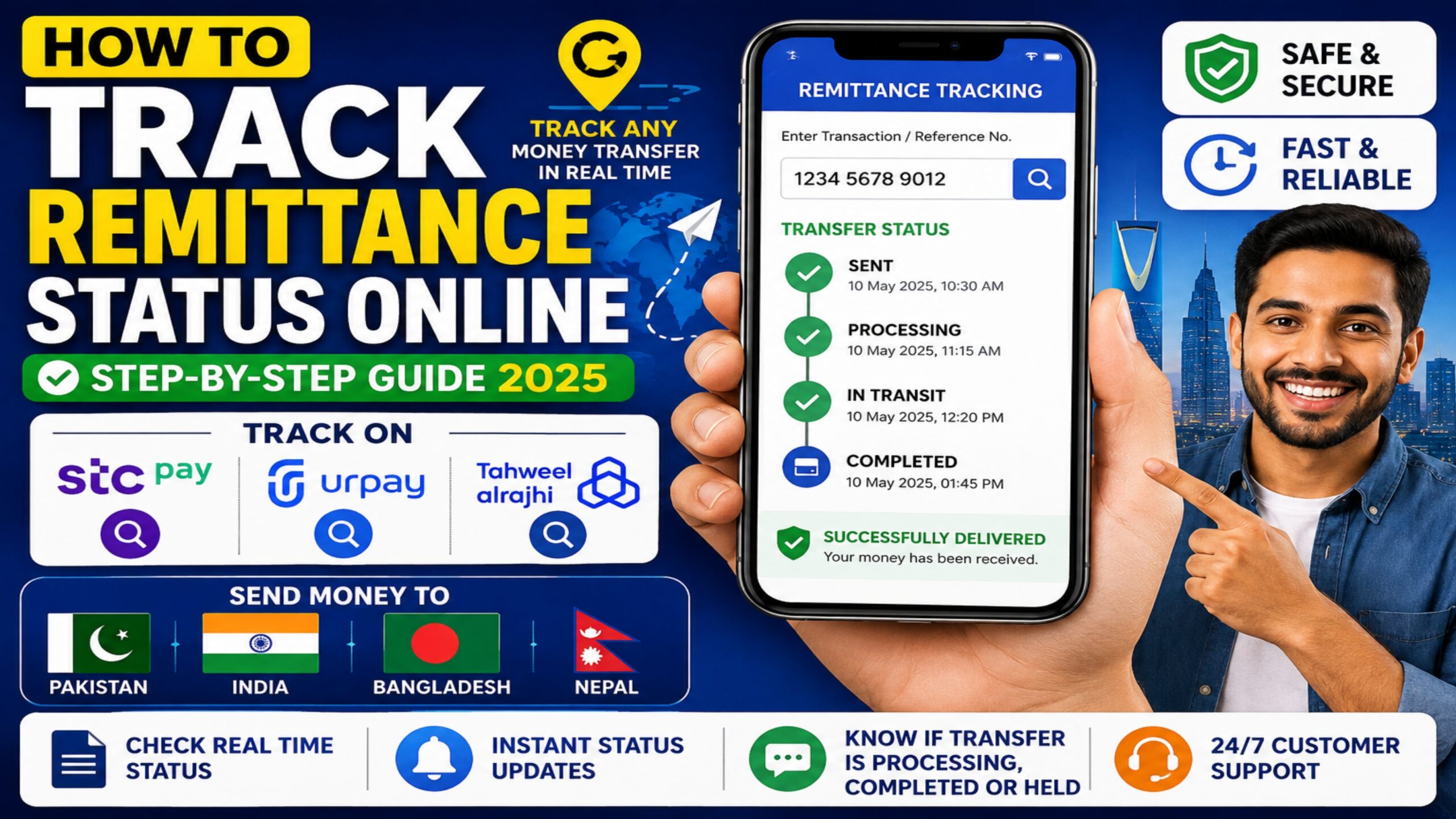
Track Remittance Status Online is one of the most critical steps after transferring money from Saudi Arabia to home countries like Pakistan, India, Bangladesh, and Nepal. Whether you are using STC Pay, Urpay, or Tahweel Al Rajhi, knowing exact status updates—such as whether a transfer is processing, completed, or held—provides total peace of mind. This step-by-step guide explains how to track your international money transfer status across major Saudi remittance platforms.
Why Remittance Transfers Get Delayed
Before checking your transfer status, it is helpful to understand why international money transfers sometimes experience delays:
- Interbank Processing Hours: Transfers initiated on weekends or public holidays in either Saudi Arabia or the receiving country may process on the next business day.
- Security & Anti-Money Laundering Checks: Financial institutions perform routine compliance checks, especially for larger transfer amounts or new beneficiaries.
- Incorrect Beneficiary Details: Mismatched account numbers, IBANs, or beneficiary names can temporarily pause automated processing.
1. How to Track Remittance Status on STC Pay
STC Pay allows users to view live transfer stages directly inside the mobile app:
- Open the STC Pay app and log in using your credentials.
- Tap on Transactions / History from the bottom navigation bar.
- Select your recent international transfer to view transaction details.
- Check the status indicator: Submitted, In Progress, or Completed.
- If sent via Western Union, copy the 10-digit MTCN number and check it on the Western Union tracking portal for real-time location.
2. How to Track Remittance Status on Urpay
Urpay provides direct status logs for transfers routed through Al Rajhi global rails:
- Open the Urpay mobile application.
- Go to the Transactions tab.
- Click on the specific international remittance entry.
- Review the status tag:
- Pending: The transfer is undergoing clearance.
- Successful: Funds have been dispatched to the correspondent bank or mobile wallet.
- Refunded: Transfer failed and funds have been credited back to your wallet balance.
3. How to Track Tahweel Al Rajhi Remittances
For transfers sent through Al Rajhi Bank or Tahweel centers:
- Al Rajhi App: Navigate to Transfers > Transfer History > International Transfers to check live status.
- SMS Alerts: Al Rajhi sends automated SMS updates containing transaction reference numbers once funds hit the receiving bank network.
What to Do If Your Transfer Is Delayed Beyond 24 Hours
If your money transfer remains stuck in Pending or In Progress status for longer than expected, follow these resolution steps:
- Verify Account Numbers: Confirm that the IBAN or account details entered match the beneficiary’s official bank record.
- Contact App Support: Reach out via the in-app chat or call official helpline numbers (STC Pay: 920011444 | Urpay: 8001240011).
- Keep Reference Numbers Ready: Always have your Reference Number, MTCN, or Transaction ID handy when speaking to customer service representatives.
For daily exchange rate tracking and remittance tips across Saudi Arabia, visit RiyalGhar before initiating your next transfer.
Frequently Asked Questions (FAQs)
What does MTCN mean in remittance tracking?
MTCN stands for Money Transfer Control Number. It is a unique 10-digit tracking number assigned to cash pickup and international transfers (such as Western Union) to verify and claim funds.
Can I cancel a pending remittance transfer?
Yes, if the transfer status shows Pending or has not yet been processed by the correspondent overseas bank, most Saudi digital wallets allow you to cancel and request an instant refund from the transaction summary screen.
How long does an online remittance tracking update take to refresh?
Tracking systems within apps like Urpay, STC Pay, and Al Rajhi refresh status indicators in real time. Once the correspondent bank updates settlement logs, your transaction screen reflects the completed status within minutes.
What should I do if my money transfer status shows refunded?
If your transfer status updates to refunded, it indicates the foreign receiving bank was unable to deposit the funds. Check your main wallet balance to verify the returned funds and contact customer service to clarify the issue before retrying.